
AI agents are becoming more capable of handling real-world information, but much of that information does not arrive as text.
People communicate through voice messages, phone calls, meetings, interviews, podcasts, recordings, and other audio formats.
For an AI agent to understand these inputs, it needs a reliable way to convert speech into machine-readable text.
That is where a speech to text API for AI agents becomes essential.
A speech-to-text API allows software to send an audio file to an AI service and receive a text transcription in return.
With JarvisClaw, developers can use the /v1/audio/transcriptions endpoint to transcribe audio, using a Whisper-compatible interface.
What Is a Speech to Text API?
A speech to text API converts spoken language from an audio recording into written text.
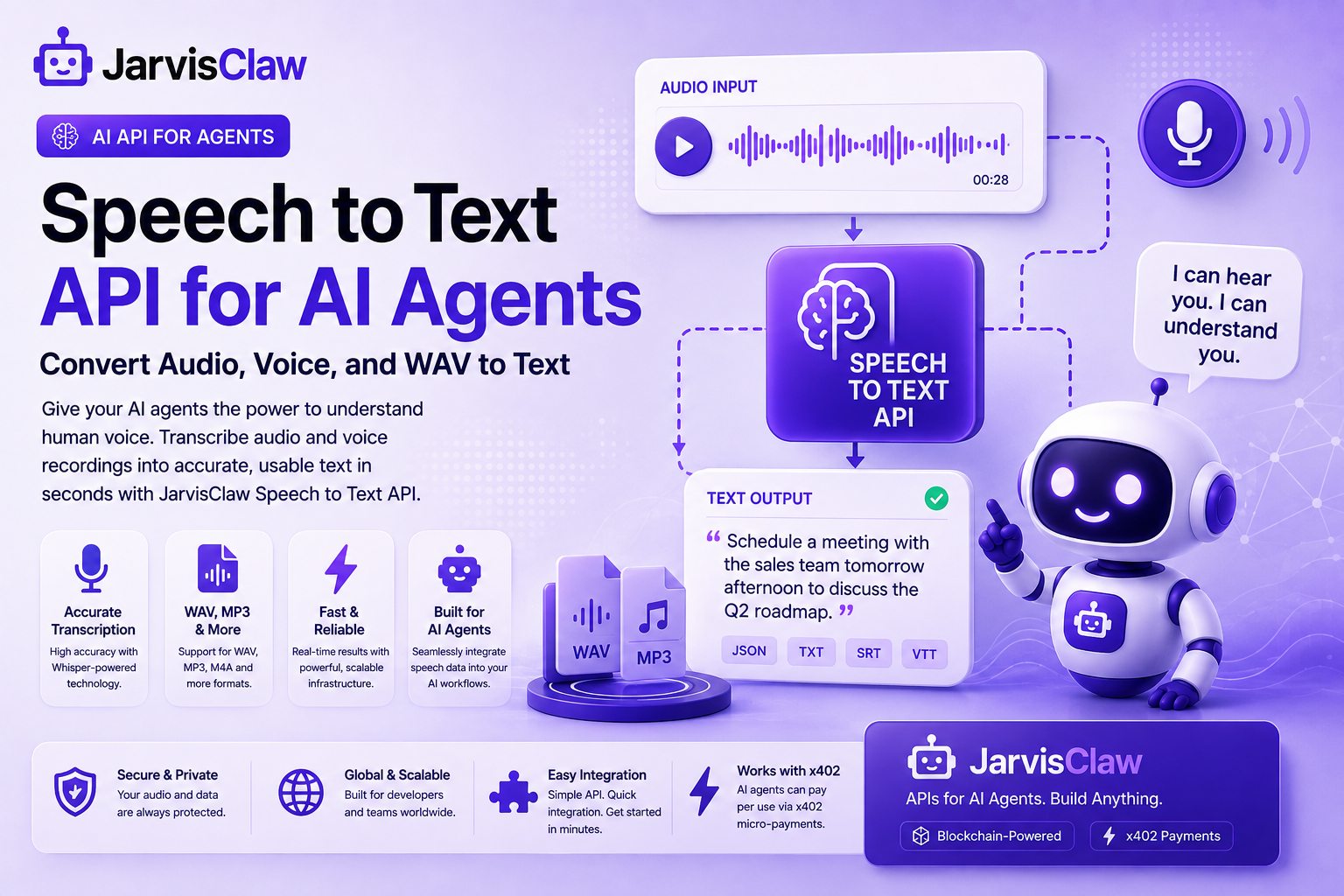
For example, an AI agent could receive a WAV recording containing:“Schedule a meeting with the sales team tomorrow afternoon.”Instead of processing the audio directly, the agent can first convert it into text.
The resulting transcript can then be analyzed by an LLM or another application.This creates a simple workflow:Audio → Speech-to-Text API → Transcript → AI Agent → Action
This capability is useful for voice assistants, customer-service agents, meeting assistants, transcription systems, research tools, and automated workflows.
Why AI Agents Need Audio-to-Text Capabilities
Traditional software generally expects structured text inputs. AI agents, however, increasingly operate in environments where users communicate naturally through voice.
Consider an AI customer-service agent.
1A customer may send a voice message explaining a problem with an order. Without speech recognition, the agent cannot easily interpret the request.With an audio to text API, the process becomes much simpler:
1:- The customer sends an audio recording.
2:-The application uploads the recording.
3:-The speech-to-text API transcribes it.
4:-The AI agent analyzes the transcript.
5:-The agent generates a response or performs an action.
This allows developers to build voice-enabled AI workflows without creating their own speech-recognition infrastructure.
Convert WAV, MP3 and Other Audio Files to Text
One important use case is WAV to text conversion.
WAV files are commonly used when audio quality is important, particularly in recordings, voice applications, and automated speech-processing workflows.
An AI agent can receive an audio file and send it to a transcription endpoint rather than requiring the developer to manually process the recording.
JarvisClaw’s transcription interface accepts an uploaded audio file through multipart/form-data, with whisper-1 specified as the transcription model. Developers can also provide a language hint and request formats such as JSON, text, SRT, or VTT.
This makes the API useful for applications that need both machine-readable transcripts and subtitle-ready output.
How JarvisClaw Speech to Text Works
JarvisClaw provides a unified API environment for different AI capabilities, including speech-to-text.
Its documentation lists /v1/audio/transcriptions as the endpoint for speech-to-text requests.
A typical workflow looks like this:Upload audio → Select transcription model → Receive transcript → Process transcript with your AI agentDevelopers using Python can use the OpenAI-compatible client structure supported by JarvisClaw, while the JarvisClaw SDK also provides an audio transcription method.
The result can then become the input for another AI capability.
For example, an agent could transcribe a meeting, summarize the discussion, identify action items, and create a structured report.Speech-to-Text API Parameters
Speech-to-Text API Parameters
Understanding the request parameters makes integration easier and helps you control output.
| Parameter | Type | Required | Purpose |
| file | file | Yes | Audio file to transcribe |
| model | string | Yes | Speech-to-text model; currently whisper-1 |
| language | string | No | ISO-639-1 language code, such as en |
| response_format | string | No | json, text, srt, verbose_json, or vtt; default is json |
| temperature | float | No | Sampling temperature from 0 to 1 |
The language parameter can provide a useful language hint, while response_format lets you choose the structure that best fits your workflow. For subtitles, choose SRT or VTT; for simple application logic, JSON is the easiest format to parse programmatically in production workflows reliably.
Python Integration Example
If you already use the OpenAI Python SDK, the OpenAI-compatible interface makes the first integration straightforward:
from openai import OpenAI

client = OpenAI(
    base_url="YOUR_JARVISCLAW_BASE_URL",
    api_key="YOUR_API_KEY",
)

with open("meeting.mp3", "rb") as audio:
    transcript = client.audio.transcriptions.create(
        model="whisper-1",
        file=audio,
        language="en",
        response_format="json",
    )

print(transcript.text)
.
Why Use an API Instead of Building Speech Recognition Yourself?
Building a complete speech-recognition system requires considerably more than simply converting audio into text.
Developers may need to manage models, infrastructure, audio processing, scaling, authentication, and maintenance.
A speech-to-text API abstracts much of that complexity.
For AI-agent developers, this means they can concentrate on what the agent should do with the transcript rather than building the underlying transcription infrastructure.
JarvisClaw also uses a unified authentication model across its AI capabilities, allowing developers to access speech-to-text alongside other API capabilities through the same platform
Build More Capable Voice AI Agents
The next generation of AI agents will not be limited to text conversations.
They will increasingly need to understand audio, process spoken instructions, and operate across different communication channels.
A speech to text API for AI agents provides the bridge between human speech and machine reasoning.
By converting WAV, voice recordings, and other supported audio files into text, developers can give AI agents access to information that would otherwise remain locked inside audio.
With JarvisClaw’s Whisper-compatible /v1/audio/transcriptions endpoint, developers have a straightforward way to add speech recognition to AI applications and connect transcription with broader agent workflows.
Frequently Asked Questions
What is a speech to text API?
A speech to text API is a software interface that converts spoken audio into written text.
AI applications can use the resulting transcript for analysis, search, summarization, automation, or conversation.
Can AI agents convert WAV files to text?
Yes. An AI agent workflow can upload a WAV recording to a compatible speech-to-text API and use the returned transcript as input for subsequent AI processing.
What is the difference between speech to text and audio to text?
They are often used interchangeably.
Speech to text emphasizes spoken language, while audio to text is a broader term that describes converting speech contained in an audio recording into written text.
Does JarvisClaw support speech to text?
Yes. JarvisClaw provides a /v1/audio/transcriptions endpoint for audio transcription and documents compatibility with the OpenAI Whisper API.
Can a transcript be used by another AI model?
Yes. A common AI-agent workflow is to transcribe audio first and then send the resulting text to an LLM for reasoning, summarization, classification, or automated actions.
Why is speech-to-text important for AI agents?
Speech-to-text allows AI agents to understand information delivered through voice.
This expands agents beyond text-only interfaces and enables applications such as voice assistants, meeting agents, customer-support systems, and voice-controlled automation.
You can now download, install, and test our developer tools for free.📦 JarvisClaw MCP on NPM(https://www.npmjs.com/package/jarvisclaw-mcp)🐍 Agent Intent Protocol on PyPI(https://pypi.org/project/agent-intent-protocol/)Built for developers working with AI Agents, MCP, AIP, and multi-model AI workflows.